
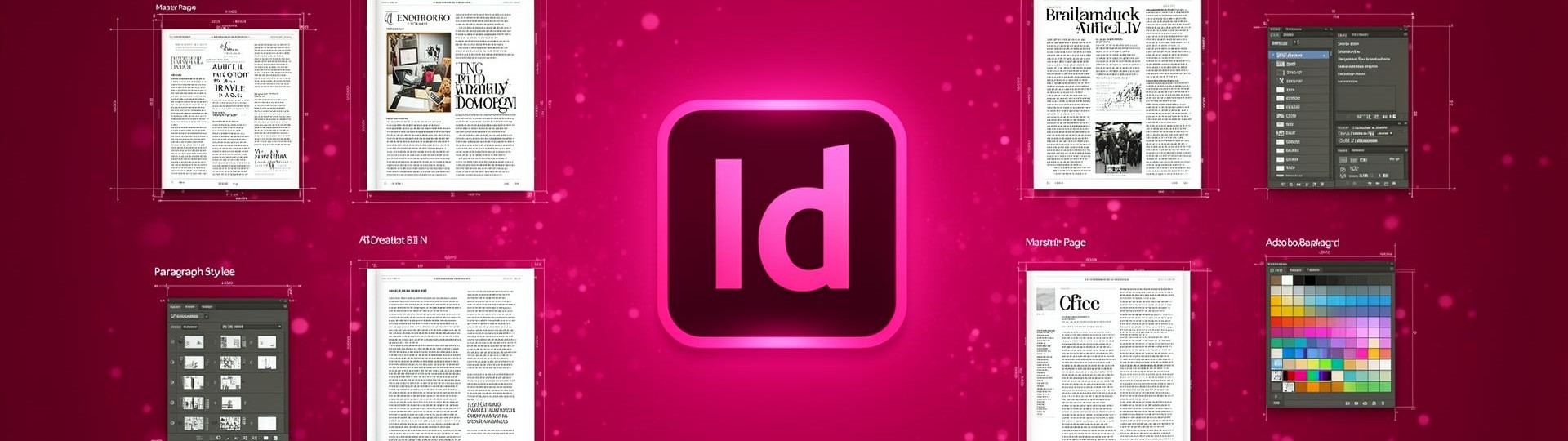
Adobe InDesign is the page-layout application that magazines, book publishers, ad agencies and in-house marketing teams use to assemble long documents under tight production deadlines. If your project has page numbers, running headers, a table of contents or more than one column of body text, InDesign is built for it. This catalog hosts every Windows release from InDesign CS6 through InDesign 2026 — all compatible with each other through the open IDML interchange format.
Where InDesign fits in a print & digital workflow
InDesign is the assembly stage. Type your manuscript in Word or Google Docs, paint and retouch your imagery in Photoshop, draw your vector ornaments and logos in Illustrator, then place everything into InDesign with live links — edit the source file and the layout updates. From there InDesign exports press-ready PDF/X for the printer, accessible tagged PDF for the web, EPUB 3 reflowable for e-readers, and fixed-layout PDF for digital magazines.
Production features that matter on real jobs
- Master pages and parent pages — share grids, folios and recurring furniture across hundreds of pages, override locally where you need to
- Paragraph & character styles with nested styles, GREP styles and conditional text for multi-version documents
- Tables with cell styles, header/footer rows and import-from-Excel that keeps formulas synchronised
- Preflight — live checks for missing fonts, low-resolution images, overset text, RGB content in a CMYK document and incorrect ink limits
- Data Merge for personalised mailers, name badges and price lists from CSV or XML data sources
File formats and version compatibility
InDesign documents are saved as INDD (binary) and IDML (XML interchange). IDML lets an InDesign 2026 file open in InDesign CC 2019 with most attributes intact — useful when a printer or partner studio is on a different release. Press output uses PDF/X-1a for legacy CMYK workflows and PDF/X-4 for jobs that need live transparency and ICC profiles. Accessible PDFs (PDF/UA) generate directly from properly tagged InDesign layouts.
Recommended Windows configuration
InDesign CS6 through CC 2019 are comfortable on Windows 7 / 8.1 with 4 GB of RAM. InDesign 2020–2026 require Windows 10 (64-bit) or Windows 11 and benefit significantly from 16 GB of RAM and an SSD when working on books, catalogs and other multi-hundred-page documents.
 Adobe InDesign
Professional page layout software for print, web, and mobile publications. InDesign handles long-document layout, typography, and multi-format publishing with master pages, styles, and dynamic layouts.
InDesign vs competitors
Adobe InDesign is the industry standard for page layout, print and digital publishing. Here is how it compares to Affinity Publisher and Scribus.
| Feature | Adobe InDesign | Affinity Publisher | Scribus |
|---|---|---|---|
| Long-document layout (books, magazines) | ✓ Master pages, TOC, index | ⚠ Basic | ⚠ Limited |
| Typography & OpenType features | ✓ Full OpenType, paragraph composer | ⚠ Partial | ⚠ Basic |
| Data merge & variable data printing | ✓ Native | ⚠ No | ⚠ Limited |
| Interactive PDF & EPUB export | ✓ Full support | ⚠ Partial | ⚠ PDF only |
| Preflight & print production | ✓ Live preflight, PDF/X | ⚠ Basic | ⚠ Manual |
| CMYK & spot color workflow | ✓ Full ICC pipeline | ✓ Yes | ⚠ Limited |
| Integration with Photoshop / Illustrator | ✓ Native linked assets | ⚠ Import only | ⚠ Import only |
| Collaboration (Share for Review) | ✓ Cloud workflows | ⚠ No | ⚠ No |
| Plugins & scripting | ✓ JS/AppleScript, marketplace | ⚠ Small ecosystem | ⚠ Python only |
Plugins and extensions
InDesign supports a rich ecosystem of plugins from Adobe Exchange and third-party developers. Below are the most popular tools used by publishers, designers and production houses.
- ✓ MathTools / MathMagic — professional equation editor for InDesign.
- ✓ PDF2ID by Recosoft — converts PDF and Word files back to editable InDesign.
- ✓ Em Software InData / InCatalog — database publishing and catalog automation.
- ✓ Typefi — automated long-document and book production from XML.
- ✓ WoodWing Studio — multi-channel publishing for magazines and brands.
- ✓ Rorohiko PageZephyr — content search across InDesign archives.
- ✓ DTP Tools Page Control — advanced page numbering and sectioning.
- ✓ Astute Graphics VectorScribe — precision drawing helpers via Illustrator round-trip.
- ✓ MadeToPrint by axaio — automated print and PDF output.
- ✓ in5 by Ajar Productions — exports InDesign documents to HTML5.